 LotsAgent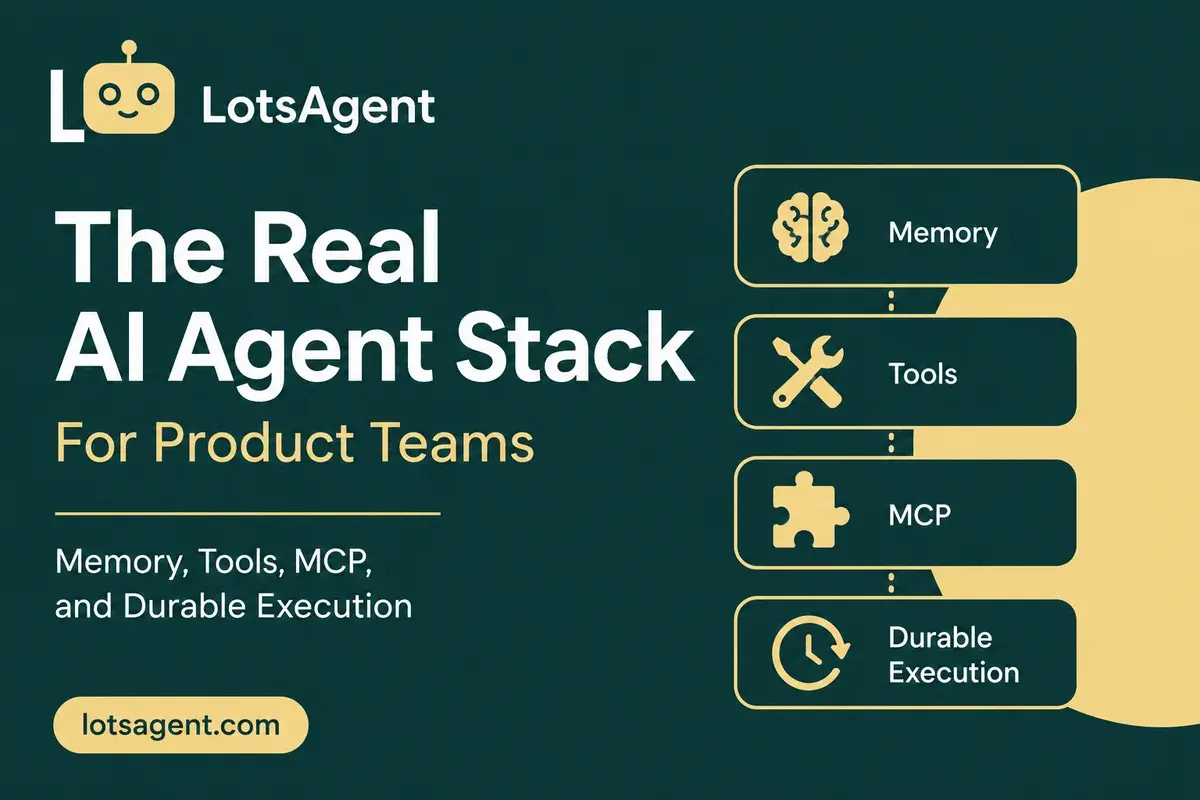
"Should we build our agent infrastructure or use a platform?" That's the wrong question for most product teams in 2026.
The real question: which parts of the agent stack are commodity, and which parts are your competitive advantage?
Most teams start building agents with good intentions. They wire up memory, connect to APIs, write retry logic, set up audit logging. Six to nine months later, they have infrastructure — but nothing shipping to customers. According to data from Landline AI, 82% of AI agent projects never make it to production, often because teams spend months on infrastructure before the agent does anything useful.
The fix isn't "buy everything" or "build everything." It's knowing which layers of the agent stack to treat as infrastructure and which to own as IP.
Here's the four-layer stack every product team needs to understand before deciding.
Layer 1: Memory — What the Agent Remains
Memory is the layer that most teams underestimate. An agent without memory starts every interaction cold. It doesn't know the customer, the conversation history, or what worked last time.
What building requires:
- Session state management for mid-workflow context
- User-specific storage that persists across sessions (preferences, history, context)
- Agent-level learning — the agent improves from its own outcomes
- Vector storage for semantic retrieval
- Data retention policies, expiry logic, and access controls
Building this yourself means setting up a database layer, designing context schemas, writing retrieval logic, and maintaining it as your agent's context grows. Most teams allocate 4–6 weeks to get an MVP of persistent memory working reliably.
What a platform gives you: User-specific and agent-specific memory, text and vector storage, configurable retention policies, and refresh triggers. The agent maintains context across sessions without your team writing a line of storage code.
AI Agent Memory: What to Store, What to Forget, and How to Keep Control covers the decision framework in detail.
Layer 2: Tools — How the Agent Acts
An agent that can reason but can't act is a chatbot. Tools are how agents connect to your actual stack: email, CRM, calendar, Slack, databases, APIs.
What building requires:
- OAuth flows and token management for each integration
- API rate limit handling
- Error recovery and retries per endpoint
- Request/response normalization between different tool formats
- Webhook receiver infrastructure
- Integration maintenance as external APIs change
Each integration is a week of engineering, minimum. For a stack of 10 tools — email, CRM, calendar, Slack, project management, data warehouse, two proprietary systems, and two APIs — that's 10 weeks of integration work before the agent can touch any of them. Every time an API changes, someone fixes the integration.
MCP (Model Context Protocol) changes this equation. Instead of bespoke integrations, MCP is a standard for agent-to-tool communication. An agent connects to an MCP server; the server handles the tool complexity. As of April 2026, local MCP servers were downloaded over 67 million times, and close to 2,000 distinct servers exist in the public registry. 28% of Fortune 500 companies have implemented MCP servers in production as of Q1 2026, up from 12% a quarter earlier.
What a platform gives you: 100+ pre-built integrations via services like Composio, plus native MCP server support, API access, and webhook receivers. Connect the tools once; the agent uses them all. MCP Server for AI Agents: How Business Tools Become Agent-Callable shows how this works in practice.
Layer 3: Execution — What Happens When Things Break
Production workflows fail. Network timeouts, API limits, service outages, rate limits — these happen daily. The difference between a toy agent and a production agent is how it handles failure.
What building requires:
- Multi-step orchestration engine
- Checkpointing — saving progress at each step so retries resume from where they stopped
- Retry logic with exponential backoff
- Parallel execution for independent steps
- Timeout and cancellation handling
- Failure detection and alerting
This is the hardest layer to build. Durable execution — the pattern where every step is checkpointed and failures resume from the last success — is the gold standard. The Inngest team describes durable execution as "a programming model that guarantees code completion despite failures," and it's crossed into early majority adoption. Microsoft's Durable Task for AI agents (updated April 2026) explicitly positions checkpointing and coordination as the core requirement for production agent runtimes.
Without durable execution: A multi-step workflow fails at step 12 of 20. Everything rolls back. You restart from step 1. Progress lost.
With durable execution: Step 12 fails. The workflow resumes from step 12 after the issue resolves. No lost progress.
What a platform gives you: Durable execution with checkpointing built into the execution engine. No infrastructure to set up. What Durable Execution Actually Means for AI Agents explains how this changes what you can automate.
Layer 4: Control — Who Owns What the Agent Does
When an agent acts autonomously, you need to know what it did, when, and who authorized it. Control is the layer that separates capable agents from risky ones.
What building requires:
- Full audit trail — every execution, tool call, decision, and override logged
- Identity management — each agent has a named owner with scoped permissions
- Configurable approval workflows — certain actions require human review
- Permission boundaries — what the agent can and cannot access
- Execution history search and export
This is another 4–6 weeks of engineering for a baseline implementation, plus ongoing maintenance to handle new action types, approval patterns, and compliance requirements.
What a platform gives you: Identity, audit trails, configurable review steps, and permission boundaries out of the box. Every action is logged and traceable. AI Agent Tools vs Skills: What Your Agent Should Know vs What It Should Do covers how skills layer additional governance on top of the control layer.
What Building Actually Costs
Let's look at this concretely. According to analysis by the New Stack, building an internal agent platform for regulated industries can cost $1.4M and take 18 months. For a lean product team, the numbers are smaller but the pattern is the same:
| Layer | Team-Weeks to Build | Ongoing Maintenance |
|---|---|---|
| Memory | 4–6 weeks | Schema changes, scaling, retention policies |
| Tools | 1 week per integration | API changes, rate limit tuning |
| Execution | 6–8 weeks | Failure modes, scaling, monitoring |
| Control | 4–6 weeks | New action types, compliance updates |
| Total | 18–26 weeks | Continuous |
That's 4–6 months before your agent does anything useful. And the team that built all that infrastructure is now on the hook to maintain it, update it, and scale it as your agent usage grows.
When Building Makes Sense
Building your own agent infrastructure is not always wrong. It makes sense when:
- You have a platform team dedicated to infrastructure and the product you're building is itself an agent platform
- Your architecture is non-standard — you use a custom memory store, a proprietary execution engine, or tools that no public platform integrates
- You need control at every layer for regulatory reasons that a platform's abstractions won't satisfy
- Your scale justifies the investment — you're running millions of agent executions and the per-execution cost savings offset the infrastructure team
For most product teams, none of these conditions apply. The right call is to treat the four-layer stack as a platform capability and focus your engineering effort on the agent behaviors, the user experience, and the workflows that differentiate your product.
Where LotsAgent Fits
LotsAgent delivers all four layers as built-in capabilities:
- Memory: Persistent, user-specific and agent-specific, text and vector storage
- Tools: 100+ pre-built integrations, MCP server, API, webhooks
- Execution: Durable execution with Inngest checkpointing
- Control: Identity, audit trails, configurable review steps, permission boundaries
The same infrastructure powers LotsSocial, LotsBlog, and the rest of the LotsTech ecosystem — production-tested at scale. You describe the agent. The platform handles the stack.
Create your first agent free at lotsagent.com.
FAQ: The AI Agent Stack for Product Teams
What are the four layers of the AI agent stack? Memory (what the agent remembers across sessions), Tools (how the agent acts on your stack), Execution (how the agent handles failures and retries), and Control (audit trail, identity, permissions, review steps). Every production agent needs all four.
How long does it take to build the agent stack from scratch? 18–26 team-weeks for a baseline implementation, plus continuous maintenance as APIs change, memory schemas evolve, and failure patterns emerge. Most teams that start building discover the real scope after committing 8–10 weeks.
Can I use open-source frameworks instead of a platform? Frameworks like LangGraph and CrewAI handle the orchestration layer but leave memory, tools, deployment, and control as your responsibility. The build scope analysis above applies regardless of framework — the missing layers still need engineering time.
What is MCP and why does it matter for the tool layer? MCP (Model Context Protocol) is a standard for agent-to-tool communication. Instead of building custom integrations for each tool, agents connect to MCP servers that handle the complexity. As of Q1 2026, 28% of Fortune 500 companies have MCP servers in production, and the ecosystem has over 2,000 public servers.
What is durable execution? Durable execution means every meaningful step in a multi-step workflow is checkpointed. If something fails mid-workflow, the agent resumes from the last successful step — not from the beginning. This is essential for any production agent running multi-step workflows.
What does the control layer include? Identity (each agent has a named owner with scoped permissions), audit trail (every execution, tool call, and override is logged), approval workflows (configurable review steps for sensitive actions), and permission boundaries (what the agent can and cannot access).