 LotsAgent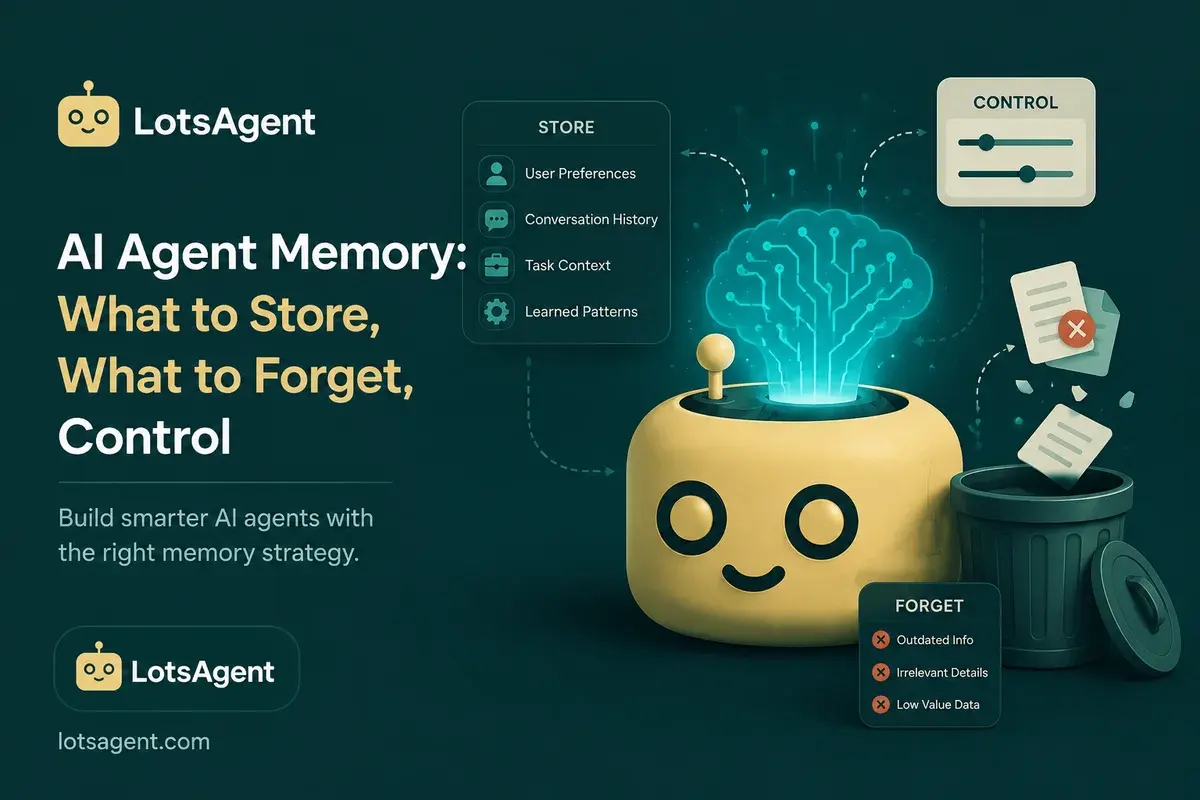
Your agent forgot something important. Or maybe it remembered something it shouldn't have. Either way, you're left wondering: what exactly does this agent know, and who decided what to keep?
That's the problem with agent memory when it's treated as a default setting rather than an operating decision. Memory isn't just a technical feature — it's a design choice. What your agent stores, what it forgets, and how you control both are decisions that affect trust, performance, and privacy.
The Three Layers of Agent Memory
Before deciding what to store, you need to understand what memory actually means for an AI agent.
Layer 1: Session Memory
Session memory is what's happening right now. The agent is mid-workflow, handling a specific task, and needs to keep track of what it's done and what's left.
This is short-term. It exists for the duration of the current execution and doesn't persist after the agent finishes.
Example: Your lead qualification agent is processing a new inquiry. It reads the email, checks the CRM, researches the company, and scores the lead. At each step, it remembers what it's already done so it doesn't repeat work.
Layer 2: User-Specific Memory
User-specific memory is information about the people the agent works with. Their preferences, history, previous interactions, and context that makes future interactions more relevant.
This persists across sessions. The agent knows this customer has had three support tickets this month, that this lead prefers to be contacted on Thursday mornings, or that this team member handles all billing inquiries.
Example: Your customer support agent reads a message from a customer. It checks user-specific memory and sees: this customer has had two shipping delays in the past 60 days, they're a monthly subscriber, and their last three tickets were resolved positively. The agent adjusts its approach accordingly — more empathetic, more proactive, flags the shipping issue for immediate attention.
Layer 3: Agent-Level Learning
Agent-level learning is what the agent learns from its own executions. What worked, what didn't, what patterns it sees across similar situations.
This is the agent getting better at its job over time — not because you retrained it, but because it observed outcomes and incorporated feedback.
Example: Your outreach agent sent 50 emails last month. It tracked which subject lines got opens, which templates got responses, and which approaches converted. It adjusts its future drafts based on what worked — not because you programmed it to, but because it learned.
For more on why persistent memory matters, see Your AI Agent Keeps Forgetting: What Persistent Memory Actually Solves.
What to Store: The Operating Decision
Not everything should be stored. Here's the decision framework:
Store:
- Preferences and history that improve the agent's work
- Context that helps the agent make better decisions
- Patterns that make the agent more effective over time
- Feedback loops that improve future executions
Don't store:
- Sensitive data that creates privacy or compliance risk
- Outdated information that could lead to wrong decisions
- Context that's better refreshed than remembered
- Information you don't want the agent acting on
The key question: Would storing this make the agent more effective, or would it create risk?
What to Forget: The Harder Decision
If storing is a design choice, forgetting is a discipline. Here's when agents should forget:
When context is stale A lead was contacted six months ago and didn't respond. The company may have changed, the contact may have left, the situation may be entirely different. Old context can lead to wrong decisions.
When the situation has changed Customer preferences evolve. Product features change. Market conditions shift. Memory that's accurate one month can be misleading the next.
When the risk outweighs the benefit You're legally prohibited from retaining certain data. The information is sensitive enough that exposure would be catastrophic. The storage cost exceeds the value of the memory.
In LotsAgent, you control retention: what gets stored, for how long, and when it gets refreshed.
The Control Layer: Who Decides
Here's where most teams defer too quickly. Memory isn't just something the agent does — it's something you configure.
What you decide:
-
What gets stored — Configure which types of context the agent collects and retains.
-
How long it persists — Set retention policies. Some memory should be permanent (customer preferences). Some should expire (stale pipeline data). Some should be session-only (mid-workflow context).
-
What triggers a refresh — Define when the agent should update its understanding rather than relying on old memory.
-
Where human review is required — Configure review steps for any action based on stored memory that could have significant consequences.
-
Who can access and audit memory — Set permissions for viewing what the agent knows and how it uses that knowledge.
LotsAgent provides the controls. You make the decisions.
For a deeper look at accountability architecture, see The Agent That Has No Identity Can't Be Trusted: Why Accountability Matters.
The Trust Equation
Agent memory is a trust signal. When your agent knows the right things, remembers what matters, and forgets what doesn't, users trust it more. When it remembers incorrectly, acts on stale data, or stores things it shouldn't, trust breaks.
This isn't just about accuracy — it's about transparency. Users should be able to see what the agent knows about them and why. They should be able to correct it. They should be able to ask the agent to forget.
That's human control applied to memory: not just what the agent knows, but who can see it, correct it, and limit it.
Practical Memory Configuration
On LotsAgent, here's how memory configuration works:
For a customer support agent:
- Store: customer history, previous issue types, resolution patterns, satisfaction trends
- Don't store: raw message content after 90 days, sensitive payment data, competitor intel
- Refresh: customer status before each interaction, product updates quarterly
For a sales agent:
- Store: lead source, company size, decision-maker contacts, engagement history, deal velocity patterns
- Don't store: stale contact info after 6 months, outdated company data, closed/lost deal details indefinitely
- Refresh: company news monthly, contact availability weekly
For an operations agent:
- Store: workflow patterns, common failure modes, successful intervention approaches
- Don't store: temporary exceptions that don't represent the norm
- Refresh: tool configurations when integrations change
When Memory Becomes a Problem
Agents can have too much memory as well as too little. Here's when memory hurts:
Context window overflow — Too much stored context means the agent spends processing power on old information instead of relevant data.
Decision paralysis — With too much history, the agent can't prioritize what's actually relevant to the current task.
Privacy exposure — Storing more than necessary increases the risk surface if the system is ever compromised.
Stale data leading to wrong decisions — Old memory treated as current fact.
The fix isn't to remove memory — it's to configure it properly. What's stored, how long it persists, what triggers a refresh.
For how execution reliability ties to memory health, see What Durable Execution Actually Means for AI Agents.
Create your first agent free at lotsagent.com.
FAQ: AI Agent Memory
What's the difference between session memory, user memory, and agent learning?
Session memory is short-term context during a specific execution — what the agent is doing right now. User-specific memory is persistent information about the people the agent works with: preferences, history, previous interactions. Agent-level learning is what the agent learns from its own executions — patterns that make it more effective over time.
When should an agent forget information?
Agents should forget when: context is stale and could lead to wrong decisions, the situation has changed and old data is misleading, storing creates privacy or compliance risk, or the storage cost exceeds the value of the memory.
How do I control what my agent stores?
LotsAgent provides configuration controls for: what types of context get stored, retention duration, refresh triggers, human review requirements, and access permissions. You decide what gets stored and for how long based on your workflow requirements.
Can users see what the agent knows about them?
That depends on your configuration. Best practice is transparency: users can see what the agent knows, correct inaccurate information, and request deletion of specific data. This builds trust and keeps the agent's context accurate.
What happens when agent memory becomes stale?
Stale memory can lead to wrong decisions — the agent acts on outdated information as if it were current. Configure refresh triggers to update key memory types periodically and before high-stakes interactions.
How does agent memory affect privacy?
Agent memory stores information about people: customers, contacts, team members. You control what's stored, for how long, and who can access it. Sensitive data should have shorter retention, stricter access controls, and explicit user consent where required.